


How 4G/5G to Wi-Fi Network Handoffs Affect Mobile Browser Sessions and Live Streams
Network Transport Reality: Whenever your smartphone transitions automatically between a Wi-Fi router and a 4G or 5G cellular data tower, the handset's external IP address changes instantaneously. While standard web page browsing masks this transition, real-time WebSocket connections (used for live sportsbook odds and fast games) and low-latency HLS/WebRTC video streams (used across live dealer tables) must drop the old socket and negotiate a fresh TLS handshake over the new IP path.
Because PLAYDASH runs over 256-bit SSL encryption under Anjouan gaming licence ALSI-202410062-FI2, the platform architecture strictly decouples the visual animation on your handset from the authoritative transaction ledger on the central server. Launching from a standard browser or a home-screen shortcut configured via playdash.app and playdashapp.com ensures that your session token re-authenticates seamlessly once the new network route stabilises.
Locked Single-Transport Connection (Dedicated 4G/5G or Stable Wi-Fi)
Keeping your phone on a single consistent network—either disabling Wi-Fi when walking out of range or turning off automatic cellular fallback when sitting near a strong router—maintains a constant IP address. This eliminates mid-shoe video buffering on live tables and prevents cashier redirect timeouts.
Rapid Radio Switching & OS Battery Throttling
Features such as "Wi-Fi Assist" or "Smart Network Switch" can bounce a handset between weak Wi-Fi and 5G repeatedly. Combined with aggressive OS battery-saver modes that freeze background JavaScript within seconds of screen lock, rapid switching forces the browser to reload the game lobby container.
- Disable Auto-Switching in Fringe Wi-Fi Zones: If you are on the edge of a Wi-Fi signal, switch Wi-Fi off temporarily and rely purely on 4G/5G cellular data before opening a live dealer table or authorising a cashier payment.
- Avoid Auto-Rotating VPN Tunnels: VPN services that rotate exit nodes across jurisdictions mid-session can trigger automated account security locks or route traffic through restricted territories (such as England, Scotland, Wales, Northern Ireland, Russia, India, or the United States).
- Keep the Viewport Awake During Timed Betting Windows: Live casino studios enforce strict countdown timers for placing chips. If your phone screen locks before you tap confirm, unsubmitted chips on the felt are cleared when the betting window closes.
Escaping the In-App WebView Trap (LINE, Facebook & Social Messaging Browsers)
A large share of mobile session drops reported by players in Thailand do not originate in the network or the game server—they occur because the player opened a link inside an embedded in-app WebView (the miniature internal browser inside LINE, Facebook, Messenger, or Telegram) rather than the phone's primary system browser.
In-app WebViews are stripped-down rendering frames built for reading static articles. They impose severe technical limitations on interactive web applications and external banking handoffs:
- Broken Cashier QR & Banking App Redirects: When you initiate a deposit in the PLAYDASH cashier and switch out to your mobile banking app or crypto wallet to approve the transfer or check an OTP code, the host chat app frequently purges the WebView from memory—or an incoming chat notification overwrites the window—breaking the return callback.
- Ephemeral Cookie Jars & Forced Re-Logins: WebViews isolate or wipe session cookies when closed, forcing repeated sign-ins and blocking native browser password managers.
- Blocked PWA / WebClip Installation & File Pickers: You cannot pin an Android Chrome PWA or iOS Safari WebClip from inside a social WebView, and camera/file-picker dialogs for uploading KYC documents or promotional screenshots often fail to launch.
The Permanent Fix: Whenever you tap a PLAYDASH link inside a messaging app, immediately tap the corner menu icon and choose "Open in default browser" (Open in Chrome / Open in Safari). Once inside Chrome or Safari, pin the site to your home screen following our PWA & iOS WebClip Setup Guide so every future session starts in a full browser engine.
Server-Side Settlement Mechanics: What Happens When a Phone Disconnects Mid-Round
Understanding what happens during a sudden mobile disconnect requires distinguishing between two states: before the server acknowledges your wager packet versus after the server debits your balance and assigns a round or ticket ID. You can cross-reference provider architectures across the regional portals at playdashasia.com/en and playdashcasino.com.
| Game Vertical / Task | Settlement Layer | Disconnect AFTER Server Accepts Wager | Disconnect BEFORE Server Receives Wager |
|---|---|---|---|
| Slots (38 Studios: Pragmatic Play, KA Gaming, Spinomenal, Playtech, Hacksaw, Yggdrasil, VoltEnt) | Instant Server RNG | The studio RNG resolves the spin immediately on the server and credits any payout to your balance. Multi-stage bonus rounds or free-spin features resume from the exact paused step when you reopen the title | No stake is deducted from your balance and no round is logged in game history |
| Live Casino (12 Studios: Evolution, Pragmatic Play Live, Playtech, Creedroomz, Ezugi, Asia Gaming, etc.) | Timed Betting Window | Confirmed chips locked before "No More Bets" remain active in the live studio shoe or wheel spin. Settlement credits automatically even if your video stream freezes | Unconfirmed chips sitting on the interface when the timer expires are rejected and returned to your balance |
| Instant / Fast Games (Chicken Road 2.0 by Inout, Aviatrix, TVBet — Crash, Plinko, Mines, Arcade) | Sub-Minute Round Loop | Pre-configured Auto Cash-Out thresholds execute on the server at the target multiplier. Manual-collect rounds settle according to the last confirmed server command prior to round termination | The round entry is not registered and your wallet balance remains untouched |
| Sportsbook (12 Disciplines: Singles & Parlays with 2,000 Odds Cap) | Ticket ID Ledger | Once a Bet Slip ID is issued, the ticket stands and settles upon official match completion (including qualifying Parlay Boosts from 2% to 50%) | No ticket is created; if live in-play odds shift during the lag spike, the slip pauses and asks you to accept the updated price |
| Mobile Cashier (Local Rails & USDT TRC-20 / ERC-20) | Gateway Callback | If you already authorised the bank debit or broadcast the blockchain transaction, the payment reconciles via its transaction reference ID | No funds leave your bank account or external crypto wallet |
Live Sportsbook Odds Volatility, Market Suspensions, and Slip Verification on Mobile
Across PLAYDASH's 12 sportsbook disciplines (football, basketball, esports, badminton, tennis, table tennis, volleyball, baseball, cricket, kabaddi, hockey, and futsal), live in-play prices adjust continuously as match events unfold. During high-impact moments—such as a penalty review, a dangerous free kick, or a decisive esports teamfight—bookmaking feeds temporarily suspend affected markets before reopening with recalculated odds.
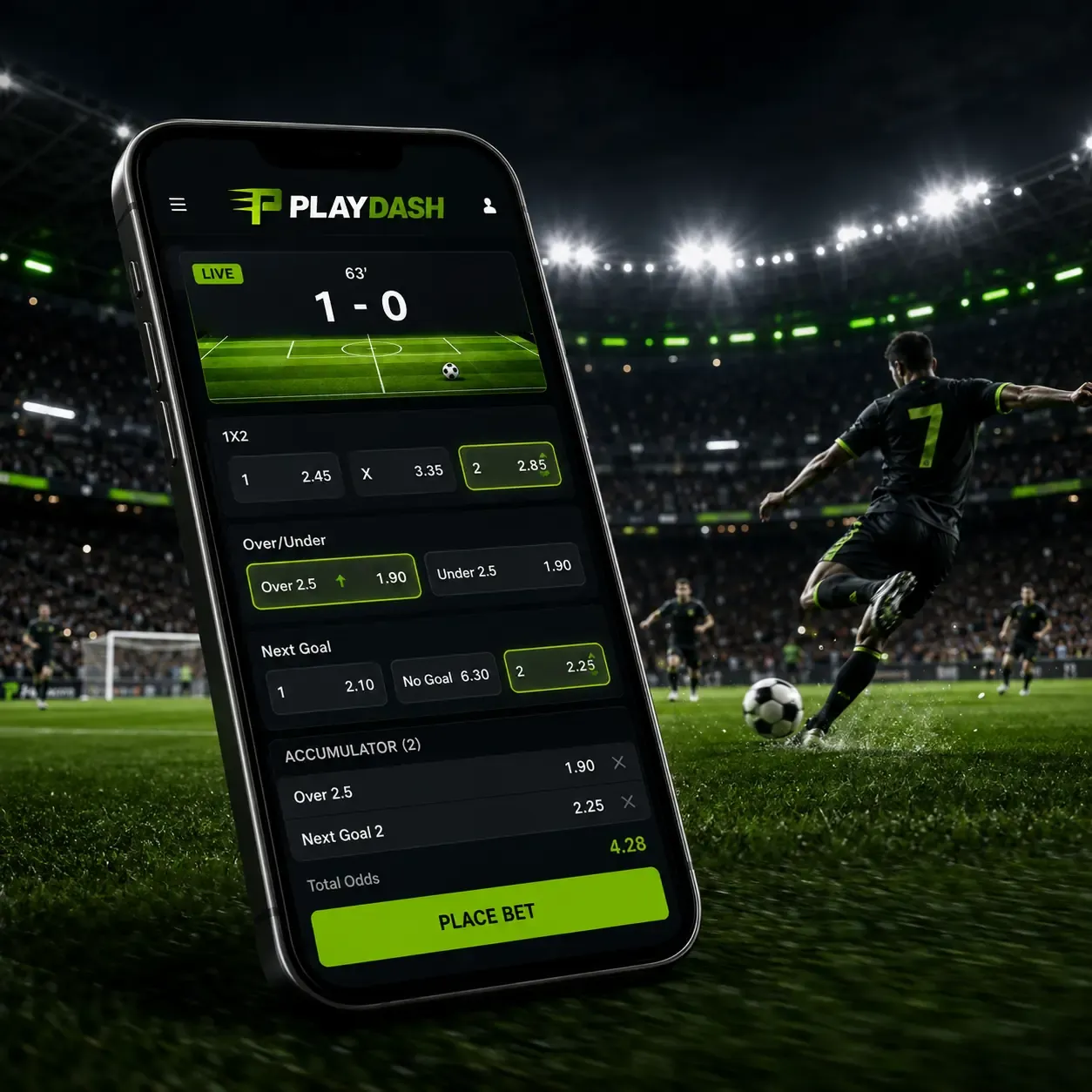
If your mobile connection experiences a brief latency spike right as you tap "Place Bet" on a live single or a multi-leg parlay, the bet slip spinner may hang while the server verifies whether your requested price was still valid on arrival. Never refresh the browser and blindly tap the submit button a second time. Instead, open your Betting History (My Bets) tab first. If a ticket ID appears under Accepted or Pending, your wager is already live; submitting again would create an unintended duplicate stake.
5-Step Recovery Protocol After a Mid-Task Freeze and What to Send 24/7 Support
Whether a screen freeze happens while chasing 4–6 Scatters in the Monday/Wednesday/Friday Scatters Challenge (up to THB 5,999 ceiling on designated slots like Sugar Rush 1000), accumulating volume toward the Chicken Cross Road wagering bonus on Chicken Road 2.0 (every THB 50,000 in qualifying bets awards 10 Free Rounds at 10.0 value, alongside the THB 5,999 tournament and up to 50 Free Rounds random drops), or opening a daily One Day, One Loot box (up to 29 PD Coins at 0x wagering), follow this exact five-step recovery sequence:
- Stop Tapping Immediately: Repeatedly tapping Spin, Place Bet, or Confirm Deposit during a network stall queues duplicate requests that may fire simultaneously once connectivity returns.
- Verify Your Handset Radio Indicator: Glance at the top status bar to confirm whether 4G/5G or Wi-Fi is active. Wait 10 to 15 seconds for the browser to complete automatic socket reconnection.
- Perform a Single Clean Refresh or Return to the Lobby: Reload the current tab once or tap the home navigation icon, then check the wallet balance displayed in the account header.
- Audit the Authoritative History Log: Open Game History, Sports My Bets, or Cashier Transaction History. Confirm whether the round ID, bet slip ID, or deposit reference is listed as settled, pending, or absent before taking any further action.
- Capture a Screenshot and Contact 24/7 Live Chat if Needed: If a balance debit occurred without a corresponding settled record after refreshing, reach out to 24/7 live chat (or official regional support channels) with five concrete details: (1) your registered login contact, (2) exact date and time of the interruption, (3) stake or deposit amount, (4) payment method or game studio/title name, and (5) an unedited screenshot of the status screen (always redact passwords, PINs, and OTP codes).
| Support Escalation Item | Where to Find It on Mobile | Security Precaution |
|---|---|---|
| Account Login Identifier | Registered phone number or email in your profile menu | Never include your account password or one-time SMS/email codes |
| Transaction / Round Reference ID | Cashier history row or in-game round history overlay | Copy the exact alphanumeric string or capture a clear full-frame screenshot |
| Timestamp (UTC+7 Thai Local Time) | Phone clock and banking receipt timestamp | Note that daily platform counters reset at 07:00 AM Thai time (08:00 UTC+8) |
| Payment / Blockchain Receipt | Banking app slip or USDT (TRC-20 / ERC-20) TXID hash | Mask full card digits or unrelated personal bank balances if visible |
Additional regional portal references and VIP support escalation rules for Thailand can be reviewed at playdashth.com, playdashth.vip, and playdash.me.
Frequently Asked Questions: Mobile Session Stability
What happens if my mobile connection drops mid-spin on a slot or mid-round in a fast game?
Once a wager instruction reaches the game server and your balance is debited, the round outcome is calculated and settled on the backend regardless of whether your handset screen stays connected. Reconnect, open your betting or game history, and inspect the recorded result before placing another stake.
Why does opening PLAYDASH inside LINE or Facebook cause cashier redirects to fail?
Embedded social and messaging browsers (in-app WebViews) use restricted memory containers and ephemeral cookies. When you switch to a mobile banking application to approve a transfer or read an OTP code, the host chat app often unloads or resets the WebView tab. Always open the site in Google Chrome or iOS Safari directly.
Can I keep my account logged in on two phones at the same time?
Your account works across any compatible device, but you should avoid running active sessions on two handsets simultaneously. A new login token invalidates older sessions and can trigger security checks or duplicate action errors.
Proceed to Account, KYC & Cashier Decision Checklists
Now that you know how mobile sessions and server-side settlements behave during interruptions, continue to Account & Cashier Decisions to review currency checks, KYC document preparation, and the USDT deposit-to-payout rule, or explore Selecting Games & Promotions.